NZTeco Limited | ZKTeco Supplier
Article

Security Systems in NZ: What to Check Before You Buy

Compare CCTV, alarms and access control for New Zealand homes and businesses. Learn what to check for image quality, outages, privacy, maintenance and ongoing costs.

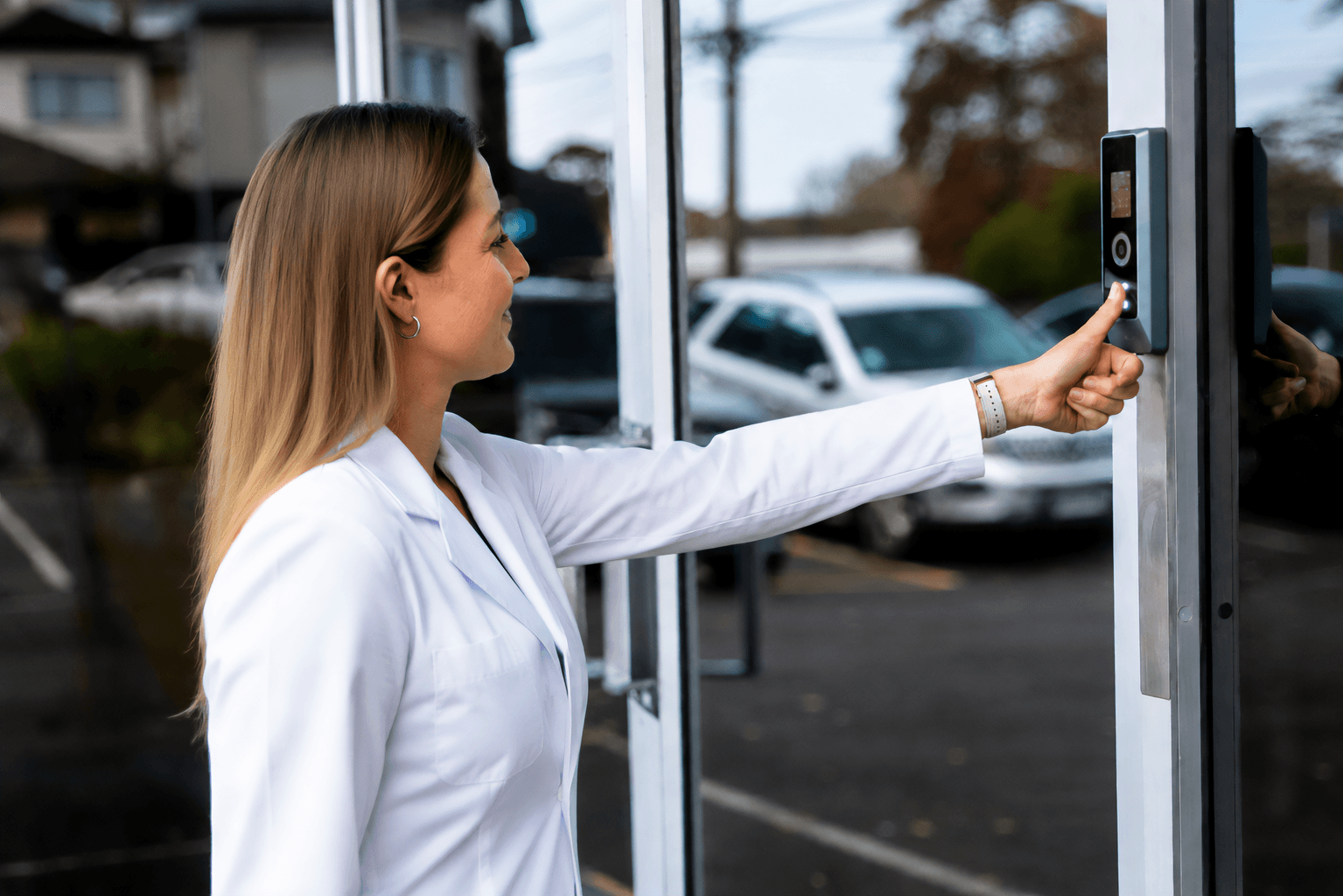
Pharmapac staff member using a ZKTeco ProMA biometric reader installed by Integrated Security Services for secure access control

Table Of Contents

What makes a security system reliable?

A reliable security system matches the risks at your property, produces useful information and gives someone a clear way to respond. Cameras, alarms and access control do different jobs; buying more devices does not automatically make the whole system more effective. This guide explains what to check before choosing a system for a New Zealand home, workplace or rural site.
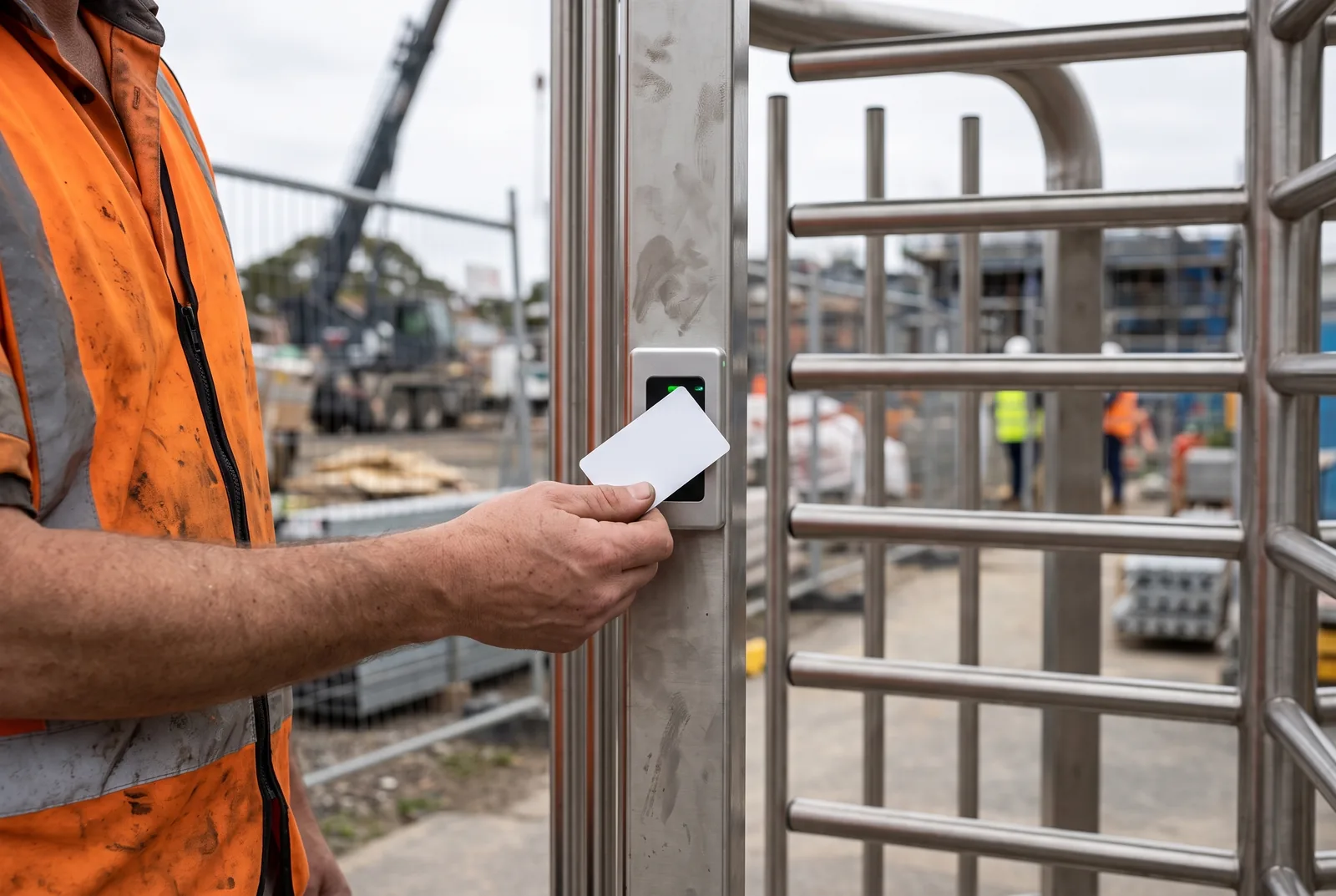
Construction worker presenting an RFID access card to a turnstile reader on a building site

Start with the property and the response plan

Define what you need to protect

List the entrances, occupied areas and assets that matter: a front door, stockroom, workshop, driveway or remote shed. Decide what each location needs. Do you need to identify a visitor, restrict access after hours, detect entry or review an incident later?

A camera covering a whole yard has a different job from one recording faces at a doorway. Give the installer a marked site plan and explain the outcome you expect at each point.

Check the site's operating conditions

Assess lighting, weather exposure, power and connectivity at the actual installation points. A rural gateway may need a communications and power solution; a shared urban entrance may need careful camera positioning and visitor access arrangements.

Then decide who will receive an alert, verify what happened and respond. A notification is useful only if someone can act on it, including after hours.

Match each security component to a specific job

Access control: manage permissions and exceptions

Electronic access control manages who may use a door or entrance and when. Ask how staff are added and removed, how visitors are handled and what happens when a credential is lost. Include the door, lock, exit hardware and controller in the design: a reader alone cannot stop someone following an authorised user through an open door.

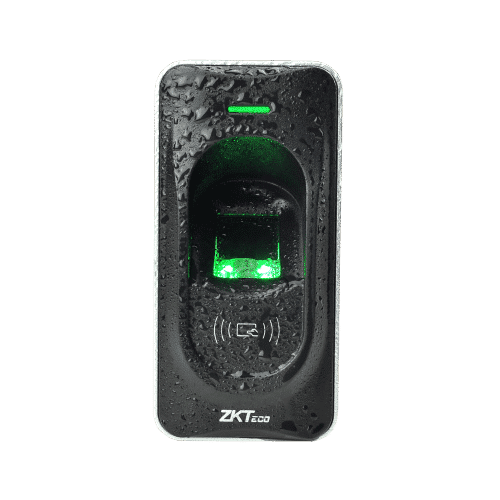
ZKTeco FR1200: Durable RS485 Fingerprint Reader

Biometric access: assess suitability first

Fingerprint or facial verification can suit some entrances, but performance depends on the device, environment and users. Ask about false acceptances, rejected users, spoofing resistance and an alternative access method. Assess privacy obligations before collecting biometric information; see the New Zealand privacy checks below.
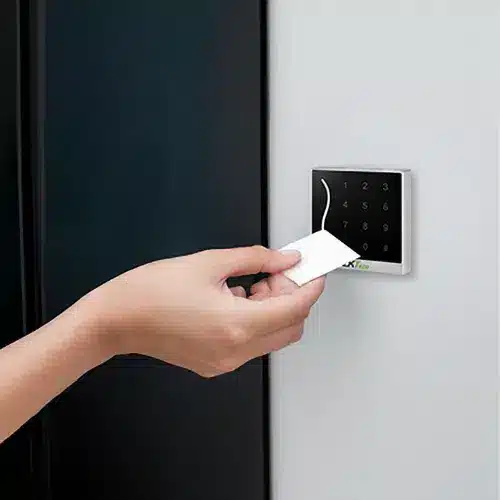
NZTeco - Swipe Tag Card Fob Access Control

Cards and fobs: check the complete system

Check the credential technology, reader and controller together. Ask whether credentials use appropriate security features, how a lost card is revoked and when that change reaches every door. Plan individual credentials and time-based permissions so access can be managed without sharing a single card or code.

CCTV: specify the footage you need

Decide whether each camera must provide an overview, recognise a person or capture identifying detail. Request sample recordings from the proposed position, including at night and with people moving. Resolution alone is not a guarantee of useful evidence: lens choice, distance, lighting, shutter speed and compression also matter. Axis explains these trade-offs in its image-quality guidance.

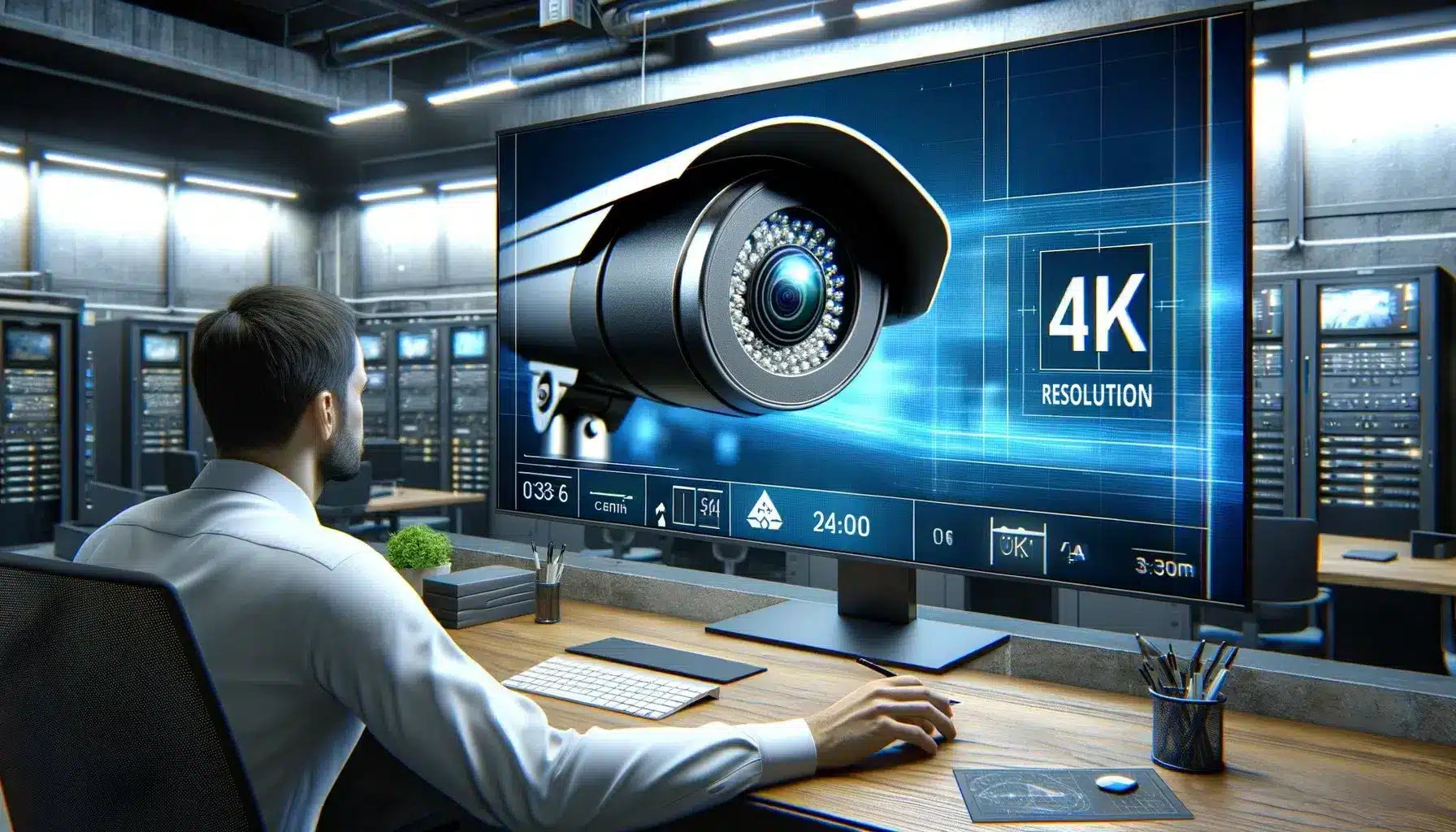
4K security cameras and surveillance systems explained

Detail at the right distance

A 1080p or 4K label does not tell you whether a face will be clear across a car park. Confirm the field of view and the detail at the location that matters. Check recorded playback and exported clips, not just the live preview, and size storage for the agreed recording settings and retention period.
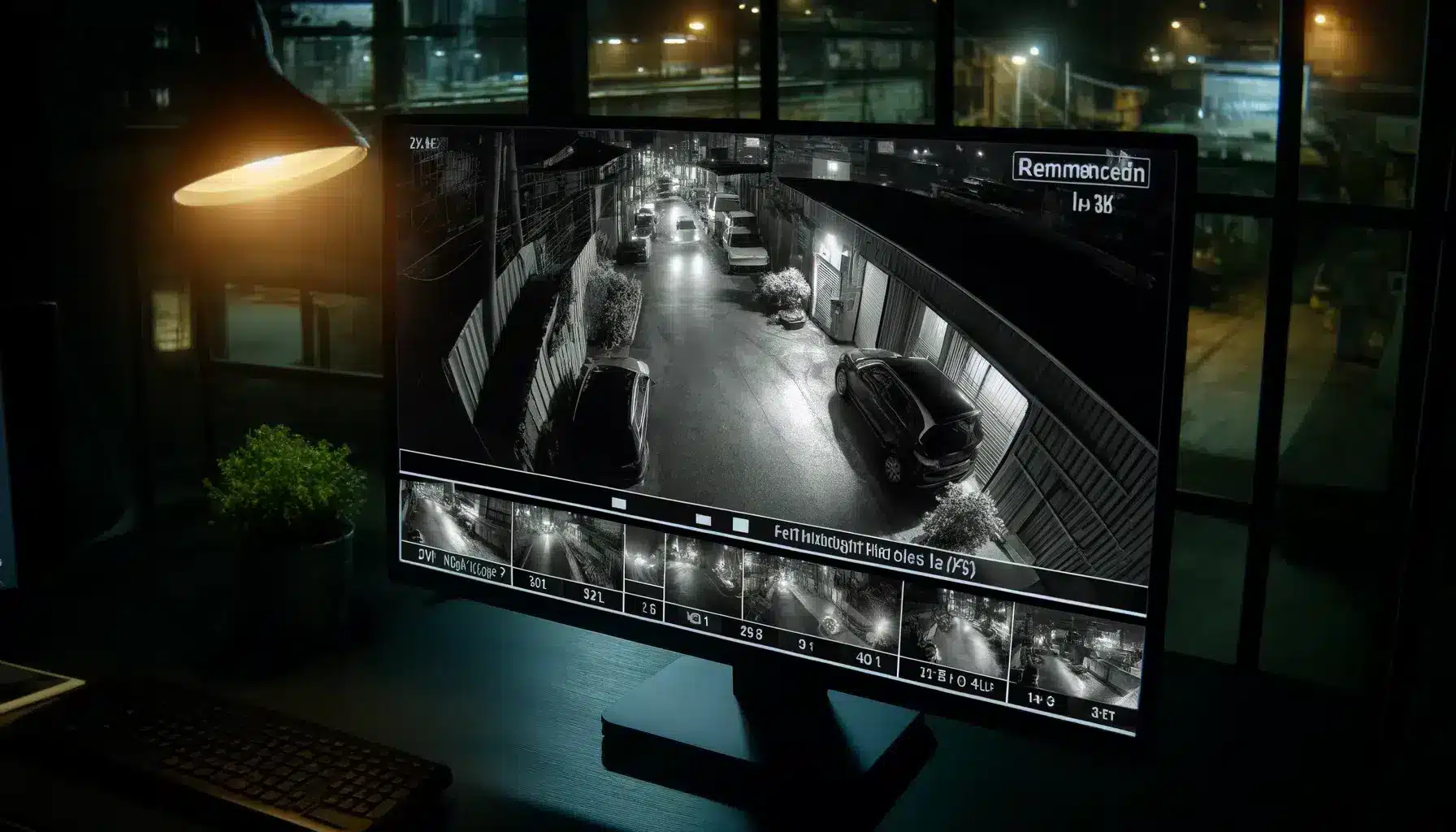
Detailed image showing security camera footage on a monitor displaying advanced night vision capabilities, capturing clear images of a dark alley or parking lot at night, including faces and vehicles, demonstrating the importance of 4K cameras for 24/7 surveillance and crime prevention.

Night-time footage that remains usable

Test moving subjects under the site's actual lighting. A sharp image of an empty scene can still produce blurred faces when someone walks past. Check infrared reflections, bright headlights and backlit entrances. Confirm whether the required result needs extra lighting or a different camera position.

Alarms: detection needs an agreed response

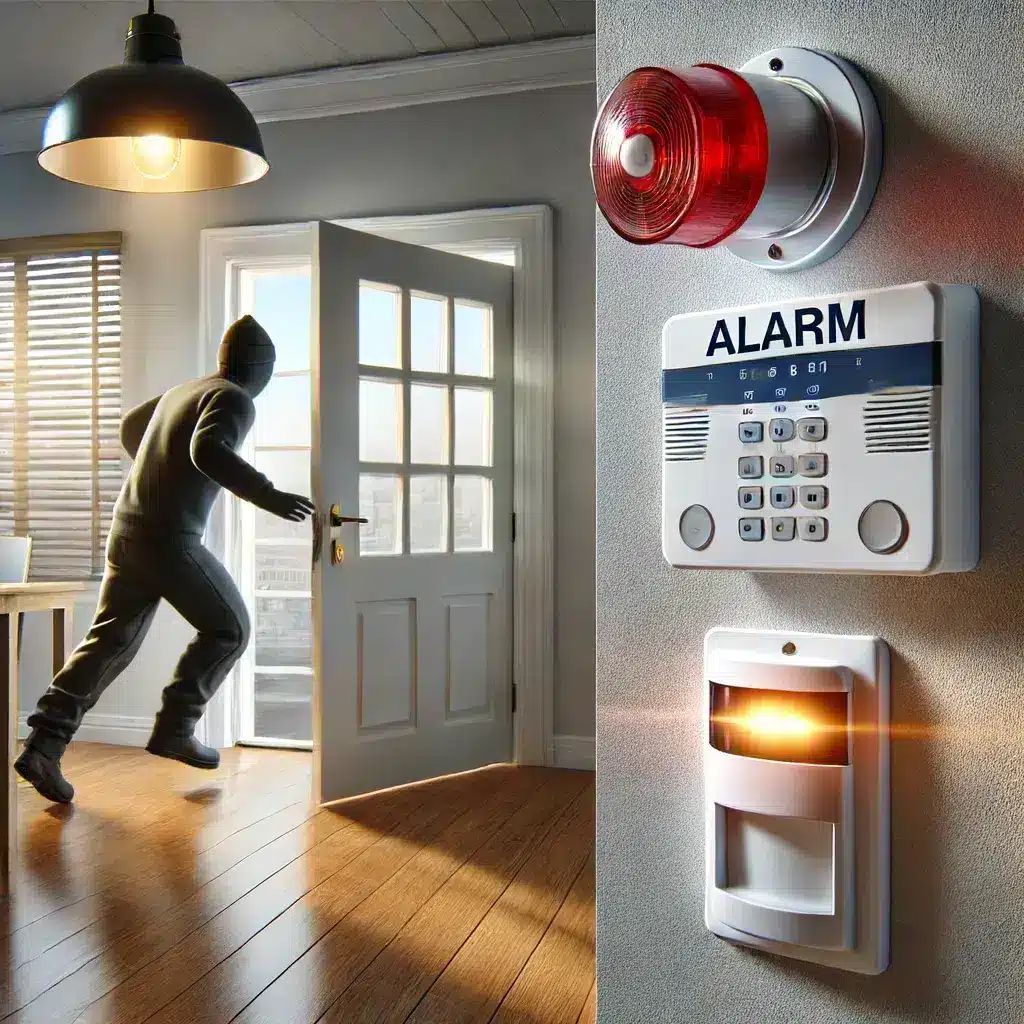
An intrusion alarm detects configured events and can activate a siren, send notifications or report to a monitoring service. Ask which routes are included and what happens if the first contact does not answer. Get the provider's verification and escalation process in writing; do not treat an alarm activation as a promise of immediate police attendance.

A realistic image showing an intruder caught by alarm sirens and strobes being triggered by unauthorized entry. The scene includes sensors on doors and windows with a single visible alarm siren and strobe light mounted on the wall, emphasizing the security system's effectiveness.

Intrusion detection and monitoring

Choose detectors for the room or entrance rather than using one sensor type everywhere. Account for pets, moving stock, open windows and normal after-hours activity. At handover, test each zone, tamper and fault notifications, and the agreed contact sequence with the monitoring provider.
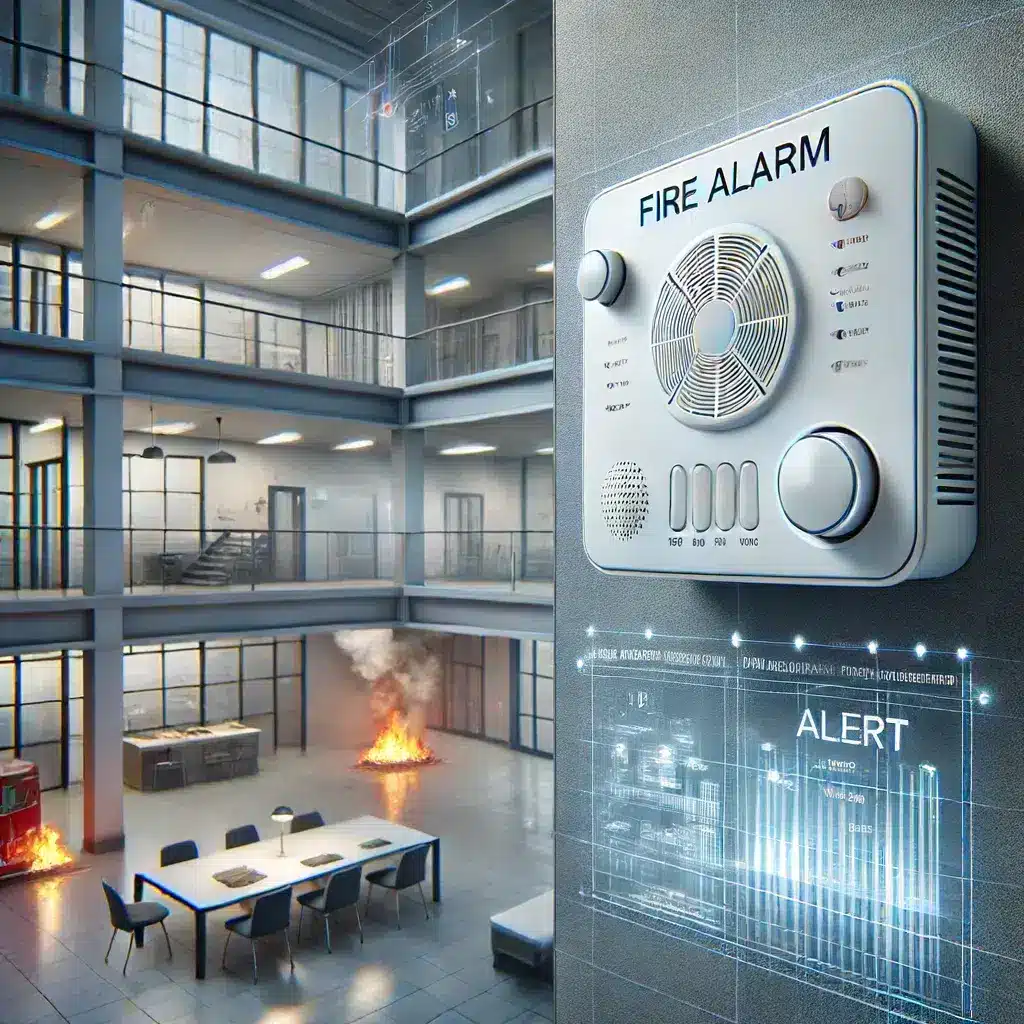
A realistic image of a fire alarm system in action, with alarms mounted on a wall and ceiling, sensors detecting smoke and heat, and a visual alert notification, highlighting the system's effectiveness in providing early warning and saving lives and property.

Fire detection has a separate purpose

An intrusion alarm does not replace a suitable fire-detection arrangement. For homes, Fire and Emergency New Zealand recommends long-life photoelectric smoke alarms and favours interconnected alarms. Use its smoke-alarm guidance for placement and upkeep, and have the applicable building requirements assessed separately.

Turnstiles: plan the whole entrance

Turnstiles can manage pedestrian passage, but the appropriate type depends on supervision, security risk and the people using the site. Include a suitable accessible route, deliveries and emergency operation. Our turnstile selection guide explains the differences between common barrier types.

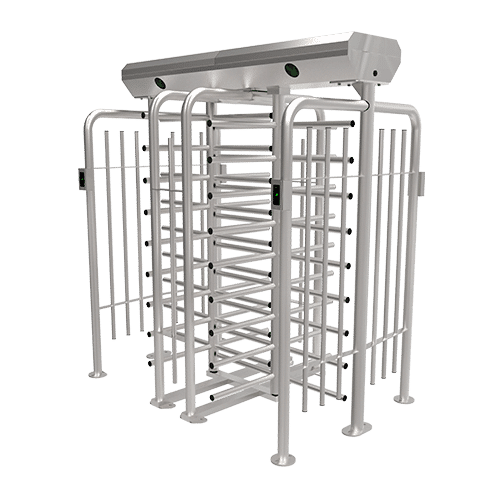
ZKTeco FHT2400D: Dual-Lane Full-Height Turnstile for High-Security Access Control

Full-height turnstiles

Consider these where a taller rotating barrier suits the perimeter and operating model. Check surrounding fencing, foundations, weather exposure and how the entrance releases in the specified emergency conditions. Plan another suitable route for users and equipment that cannot use the rotating passage.
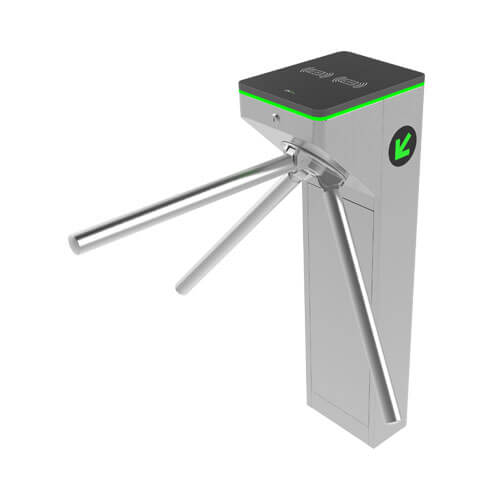
ZKTeco mTS1000 Series Tripod Turnstile

Waist-height turnstiles and speed gates

Tripod, swing and flap barriers serve different entrance layouts. Compare clear passage width, supervision, sensor coverage and peak arrivals. Ask how the proposed system handles someone following another person through, a blocked lane or an invalid credential.

Vehicle access: distinguish traffic control from impact protection

A gate or barrier can control routine vehicle entry. That is a different requirement from stopping a vehicle deliberately driven into the entrance. Define the risk first and ask for evidence of any claimed impact performance for the exact product and installation.

ZKTeco BOL1219-A – High-Security Automatic Bollard

Bollards and their installation

Check whether the bollard is intended for traffic management or a specified impact-protection role. Ask about foundations, drainage, operating duty and manual operation during an outage. A product's appearance or automatic operation does not establish its impact rating.
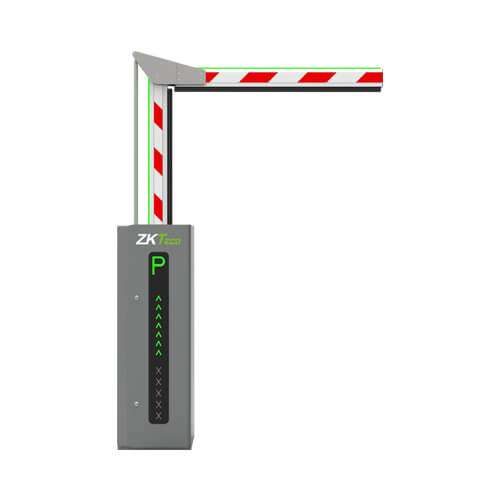
ZKTeco ProBG3000: High-Performance Barrier Gate for Vehicle Access Control

Barrier gates and vehicle detection

For parking and controlled driveways, check opening width, vehicle types, arrival rates and the proposed credential or number-plate system. Confirm the detection and safety arrangements for vehicles beneath the arm, as well as a separate route for pedestrians where needed.
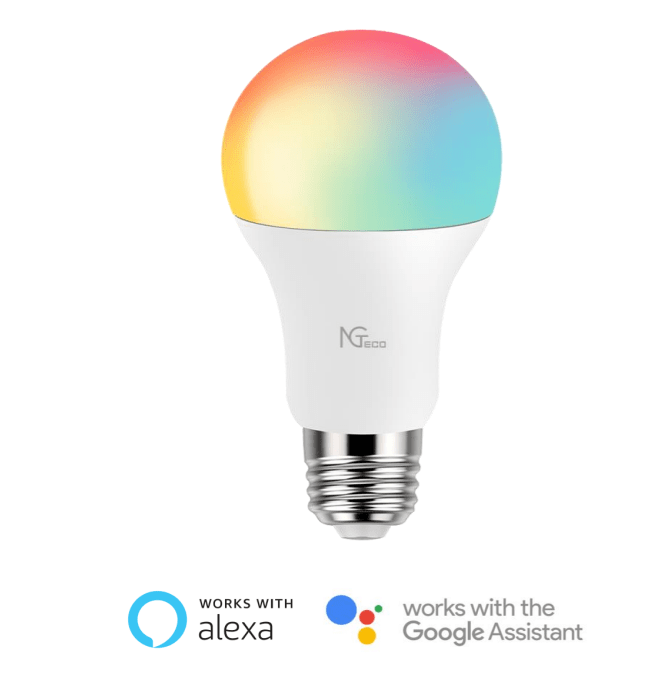
NG-L200 Smart Bulb Voice Control

Integration: verify the exact combination

Ask the supplier to name the devices, software versions and licences needed for each integration. Specify the action you expect—for example, locating camera footage for a door event—and request a demonstration. An app or voice-assistant logo does not prove that every function is supported across every device.
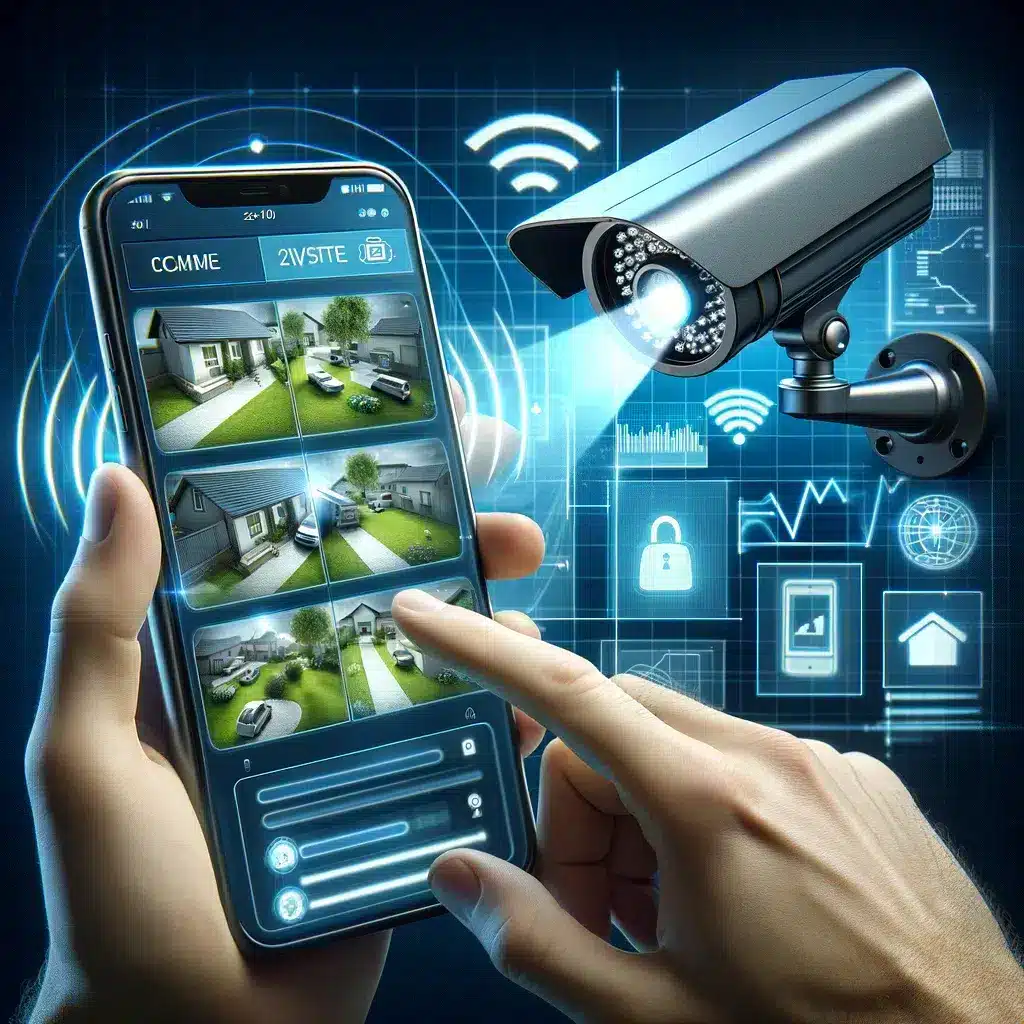
Square image representing remote monitoring through CCTV surveillance, showing a high-definition security camera capturing footage accessible on a smartphone, with a person viewing live camera footage of their property from a remote location, designed with a futuristic and realistic style.

Remote access: accounts, updates and connectivity

Confirm which functions work locally and which rely on the internet or a cloud subscription. Use individual accounts, strong unique passwords and two-factor authentication where supported. Assign responsibility for updates and removing former users. See the NCSC-backed Own Your Online guidance for connected devices.

Analytics: test defined events, not broad AI claims

Ask what the product actually detects, such as a person entering a configured area, and under which conditions. Test missed events and unwanted alerts with the proposed camera view. Treat the result as information to review; an AI label is not evidence that a system predicts crime.

Plan for outages and everyday use

Homes and smaller premises

Start with the most important entry points and an alert plan someone can manage. Ask for a demonstration of what continues during an internet outage and what stops when mains power fails. If backup power is proposed, confirm which devices it supports and the expected runtime under the installed load.

Futuristic corporate environment showcasing modern key fob access control systems with employees in a high-tech office setting.

Businesses and multiple sites

List who needs access to each area, who can view footage and who administers the system. Ask about user and door capacity, storage expansion, audit records and ongoing licences. Include a handover process for staff changes and a support contact for faults, rather than depending on one employee's phone.

New Zealand privacy checks

For an organisation using CCTV, define why it is needed, tell people they are being recorded and limit what is captured. Set rules for authorised viewing, sharing, retention and deletion. The Privacy Commissioner notes that audio recording is more intrusive; avoid collecting it when it is unnecessary. Read the official CCTV guidance.

Biometric access needs its own assessment. The Biometric Processing Privacy Code sets rules for organisations carrying out biometric processing. Its transition period for existing users ended on 3 August 2026. Check the current rules, the purpose of collection and suitable safeguards before choosing fingerprint or facial verification.

What to ask for in a security-system quote

  • Scope: a site plan, device models, positions and the purpose of each device.
  • Performance: sample footage, detector coverage, access behaviour and agreed acceptance tests.
  • Outages: local operation, backup-power coverage and how communications faults are reported.
  • Ownership: administrator access, configuration backups and an explanation of where recordings are stored.
  • Ongoing costs: monitoring, connectivity, cloud storage, licences, servicing and call-out charges.
  • Support: warranty terms, fault-reporting contacts, update responsibility and product support life.

Compare quotes against the same scope. If insurance conditions affect the purchase, ask your insurer which requirements apply to your policy before ordering; do not assume a discount.

Installation, testing and maintenance

Agree the handover tests before installation. Check footage in daylight and darkness, export a sample clip, test access permissions and confirm alarms reach the intended recipient. Have the installer demonstrate safe outage and recovery behaviour, including the agreed exit arrangements.

Set a maintenance schedule using manufacturer and installer guidance. Include battery condition, camera cleanliness, recording health, detector tests, user permissions and software support. Record faults and retest after repairs or configuration changes. Review the design when the site or its risks change; there is no universal three-to-five-year replacement rule.

Discuss your requirements with NZTeco

Bring a site plan, the number of entrances or doors, your existing equipment models and the outcomes you need. Contact NZTeco to discuss suitable equipment and the compatibility checks needed for your project.

Security-system questions

They perform different jobs: CCTV records activity, alarms detect configured events, and access control manages entry permissions. Choose the combination around your site and response plan rather than assuming every property needs every component.

More pixels can help, but useful detail also depends on the lens, distance, lighting, motion and recording settings. Compare sample recordings from the proposed position and check whether the footage meets your specific purpose.

That depends on its design. Some local recording or access decisions may continue while app access, cloud recording or notifications stop. Ask the supplier to demonstrate the behaviour of the exact system and document any backup communications.

No such guarantee should be assumed. Ask the monitoring provider how it verifies an event, contacts nominated people and escalates it, and which response services are included in the contract.

Base the decision on faults, changing site needs, unsupported software and the availability of parts and updates. Maintenance and review are ongoing tasks; the same replacement interval will not suit every system.

Need help choosing the right setup?

From access control, time attendance and turnstiles to CCTV, smart locks, vehicle access, digital signage and automation, NZTeco helps match the right technology to the job.

Send us the details and we’ll help you work out the best next step.

About the author:

Reynardt Badenhorst

I'm the Managing Director of NZTeco, leading our mission to bring advanced security and access control systems to New Zealand. I specialize in biometric technologies, surveillance systems, and robust security setups designed to keep people, properties, and data secure. I’m passionate about delivering reliable, tech-driven solutions that solve real-world problems. My focus is on efficiency, innovation, and maintaining a customer-first approach in every project we undertake.

Related Articles

ZKTeco USA receives the 2026 Secure Campus Award for Certus cloud-based access control management

ZKTeco’s Certus Cloud Access Control Wins 2026 Secure Campus Award

Overview: ZKTeco USA’s Certus cloud access control platform has received a 2026 Secure Campus Award. We look at the capabilities recogn...

Access control companies in New Zealand comparison featuring ZKTeco, ICT, Gallagher and Inner Range with biometric, RFID, QR code and mobile credential security options.

Access Control Companies in New Zealand: Compare ICT, Gallagher, Inner Range & NZTeco

Overview: Compare leading access control companies in New Zealand, including ICT, Gallagher, Inner Range and NZTeco. Learn how to choos...
Corporate employee using a mobile QR code credential to unlock an office door with an Armatura access control reader.

Contactless Access Control System: Face, Palm, QR, Mobile and Vehicle Access Solutions

Overview: Contactless access control is no longer just about convenience. For modern workplaces, gyms, warehouses, apartments and vehic...
PBTech Square Logo

PBTech and NZTeco Join Forces to Bring ZKTeco Smart Security Solutions to New Zealand

Overview: PBTech and NZTeco: Working Together to Deliver World-Class Security Solutions We’re excited to announce that PBTech, New Zeal...
Talk to our sales team

Your projectstarts here.

Whether you need a solution for your site or reseller pricing, we'll help you find the right option.
I'm enquiring about...*

By submitting, you agree to our Privacy Policy and Terms. This site is protected by Google reCAPTCHA (Privacy • Terms).

Sent directly to the NZTeco sales team. Your details stay private.

ReachOut

Copyright © 2026

Get the Right Turnstile Quote

Send us a few details and we’ll recommend the best option for your site.
You selected: Full-Height Turnstiles

By submitting, you agree to our Privacy Policy and Terms. This site is protected by Google reCAPTCHA (Privacy • Terms).

We’re a Licensed Security Company!
NZTeco Limited is officially licensed under the Private Security Personnel Licensing Authority (PSPLA).
License Number: 24-121944
License Classes: Security Technician & Security Consultant
Expiry Date: 22-11-2029

What does this mean?
It confirms that we meet the legal standards to provide professional and secure services in New Zealand, ensuring your peace of mind and trust in our solutions.
Being licensed ensures compliance with industry regulations, ethical practices, and accountability in delivering Access Control, CCTV, and other security solutions.

For more about the PSPLA and why choosing a licensed provider matters, visit the official PSPLA information page: https://www.pspla.govt.nz/ (opens in a new tab).

New Zealand Security Association (NZSA) logo
Official ZKTeco Partner in New Zealand

Contact us

Follow us

Fast Response Form

By submitting, you agree to our Privacy Policy and Terms. This site is protected by Google reCAPTCHA (Privacy • Terms).